The phone rings mid-service
Someone leaves the floor to write a booking on paper while the table in front of them waits.
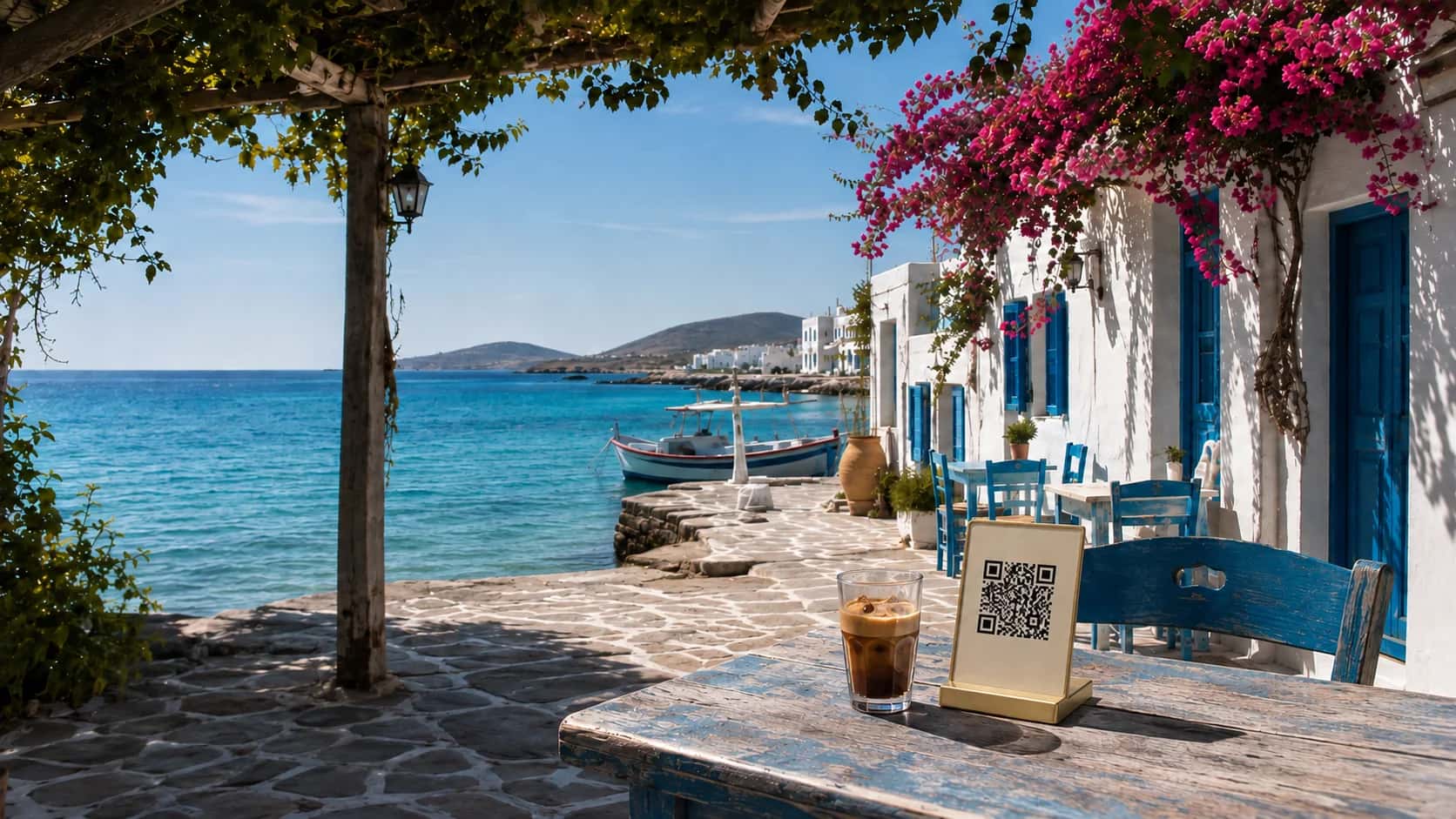
Guests choose a date, a time and how many are coming, straight from their phone. Every booking lands in your dashboard and in their inbox, at any hour, without a single phone call.
Trusted by
The booking page your guests see, step by step — every label in their own language
Type
What would you like to book?
Only appears when you offer two or more booking types.
Date
Choose a date
Past days and your closed dates cannot be picked.
Time
Choose a time
Only the times you can still seat, at the interval you set.
Details
Your details
Name, phone and email, plus an occasion and a note.
Confirm
Confirm reservation
It lands in your dashboard as a request to confirm.
24/7
Open for bookings
10
Languages on the booking page
12
Booking types of your own
0
Calls needed to book
Our Story Starts in Greece
KosTap application was developed in a real tourist destination, Kos Island, Greece, and built through everyday restaurant operations. The system focuses on operational reliability and practical usability for hospitality teams.
Bookings still arrive the old way: by phone, in the middle of service, to whoever is free to pick up.
The phone rings mid-service
Someone leaves the floor to write a booking on paper while the table in front of them waits.
Closed means unbookable
Guests decide where to eat late at night or on the beach. If they cannot book then, they book somewhere else.
A book only one person reads
A notebook by the till, a message on someone's phone, a DM on Instagram. Nobody sees the whole evening at once.
Lost in translation
A guest calling from abroad spells a name, a date and a time in their second language. Something ends up wrong.
Two parties, one table
Two people promise the same table for the same time, and you find out when both groups walk in.
No-shows with no history
A table sits empty all evening, and there is no record of who booked it or whether they have done it before.
One booking page for your guests, one dashboard for your team, and the rules of your own room behind both.
A link of its own with your name, cover photo and logo, that opens on any phone without an app.
Up to four services for each weekday, closed dates for holidays, and a kitchen closing time guests see under the times.
Slots at the interval you choose, a sitting length, and turnaround time to reset a table before the next booking.
Book against the real tables in your table plan or a total number of covers per sitting, and cap how many bookings start at once.
Every online booking arrives as a request. Confirm or decline it in a tap, and the guest is emailed either way.
A restaurant table, a beach umbrella, a private dinner: up to twelve types, and guests choose one before the date.
Set a type as a meeting and it skips tables and covers. Confirm it with a link and a note, and the guest gets a calendar file.
Add the guest who calls or walks in to the same list as online bookings. The guest book fills in returning names and phone numbers.
The booking page speaks ten languages, and guests can mention an occasion or an allergy before they arrive.
Services for each day, closed dates, how long a table is held and how far ahead guests can book.
Tables from your table plan or total covers, the party sizes you accept, and any booking types you offer.
Put your booking link on your Business Page, your Instagram bio, your Google profile or your website.
Requests land in your dashboard. Confirm them, give them a table and mark guests as arrived.
Less time on the phone, fewer surprises at the door, and a room that fills while you are busy running it.
Guests book at midnight, from the beach or from another country, without waiting for someone to pick up.
Fewer calls in the middle of service, so your team looks after the guests already in front of them.
The guest types their own name, date and party size, in their own language, and it arrives exactly as meant.
Online and phone bookings in one list, one agenda and one table view that the whole team shares.
Your hours, tables and covers are checked before a guest can pick a time.
The guest book keeps their name, their phone and how often they did not show up.
EVERYTHING IN THE BOX
Online reservations come with the Restaurant Menu and Enterprise plans. Try every part of them free for 30 days.
THE BOOKING PAGE
Your own link
A booking page with your name, cover and logo.
Ten languages
The guest picks the language; the page follows.
Booking types
Up to twelve, each a reservation or a meeting.
Occasions & notes
Birthdays, anniversaries, allergies and requests.
THE RULES
Opening hours
Up to four services a weekday, plus closed dates.
Slots & sittings
Slot interval, sitting length and turnaround.
Notice & window
Minimum notice, and how far ahead guests can book.
Capacity
Real tables or total covers, party sizes, a cap per time.
THE DAY
Requests to approve
Confirm or decline; the guest is emailed.
List, agenda & tables
Three views of the same day, room by room.
Phone & walk-ins
Bookings added by hand, beside the online ones.
Guest book
Returning guests, their phone and no-show history.
Switch online booking on whenever you are ready. Your settings wait for you until then.
Would you rather we set it up? Tell us how your evenings run and we will configure your bookings for you.
We set up your hours, tables and booking types around the way you already work, and hand over a booking link ready to share.
Tell us how you run
Services, closed days, tables and party sizes.
We set up the bookings
Hours, capacity, types and your booking page, ready to review.
You approve and go live
Share the link and take your first booking.
No technical knowledge required.
YOUR BUSINESS. YOUR WAY.
Try KosTap free for 30 days. Then choose Business Page, Restaurant Menu, or Enterprise for both.
Free for 30 days
Digital menu creation: Let us create the menu for you
Would you like to purchase the digital menu creation service?
Digital menu creation: Let us create the menu for you
Would you like to purchase the digital menu creation service?
READY WHEN YOU ARE
Try it free for 30 days. Set your hours, share your link, and confirm your first request from your phone.
FROM THE BLOG
Practical advice on digital menus, guest experience and connecting with your customers.
LET’S TALK
Tell us about your business. We’ll help you find the right place to start.
contact@kostap.gr“KosTap application improved our guest experience. Reliable and effective.”
